StageDesk ProStageDesk Pro

Newsletter

Tips for agencies and new features, once a month.

Unsubscribe any time. See our privacy policy.

StageDesk ProStageDesk Pro

Payments & payouts

Online payments with iDEAL, and artists paid automatically

Customers pay their deposit and balance online. After the event, StageDesk splits the payment between the artist, your agency and the platform, as agreed when the quote was accepted.

Payout after the eventExample
Received€1,500.00
  • Artist (40%)€600.00
  • Your agency€870.00
  • Platform fee€30.00

Everyone has been paid.

1

iDEAL and cards

The way Dutch customers want to pay, through Stripe's secure checkout. No more chasing bank transfers.

2

The split is fixed upfront

The artist's share and the platform fee are frozen when the customer accepts, so nobody's agreed amount changes later.

3

Payouts on their own

After the event and a short wait for disputes, everyone is paid. Your artists see their earnings in the app.

In StageDesk
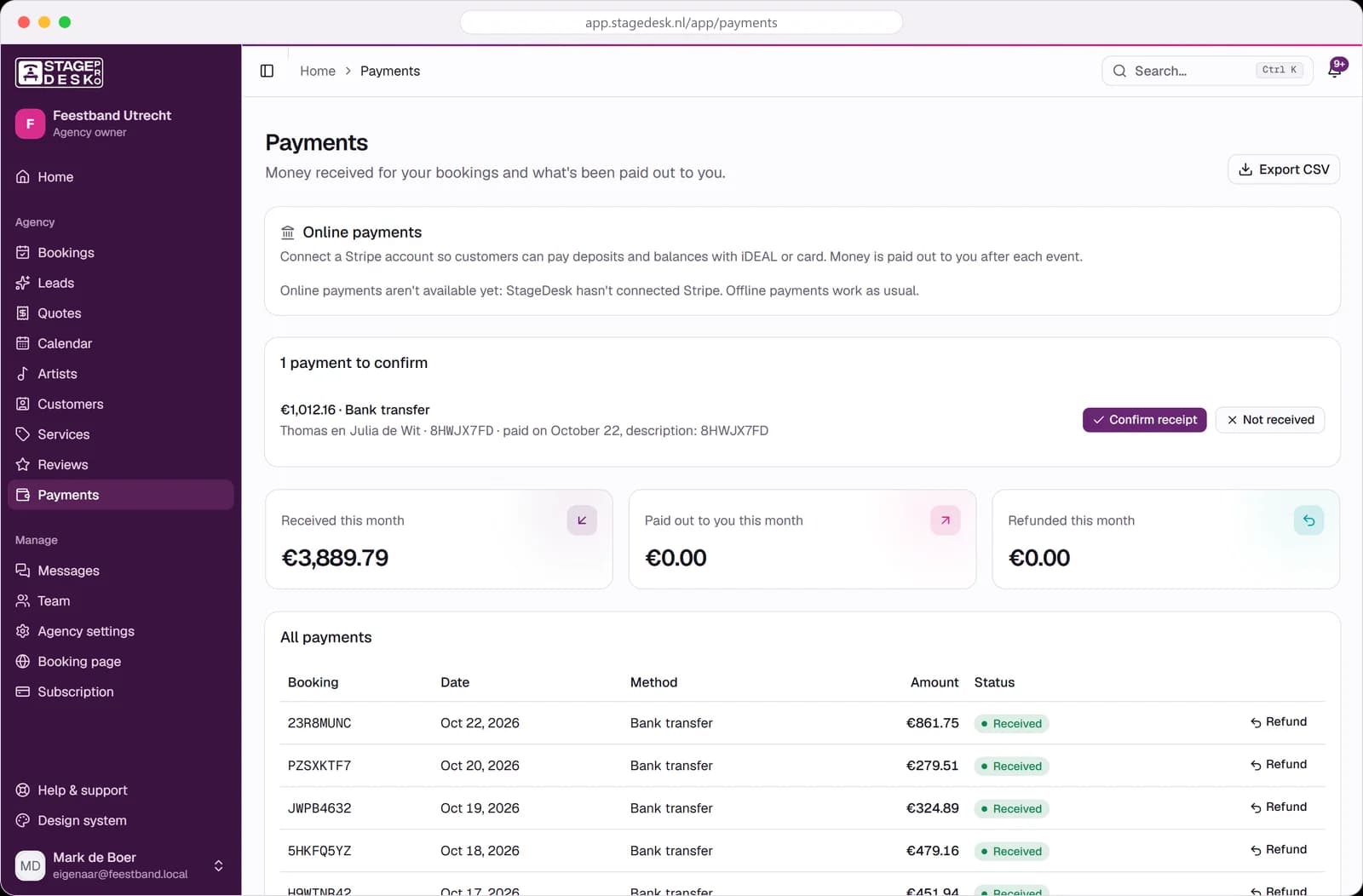
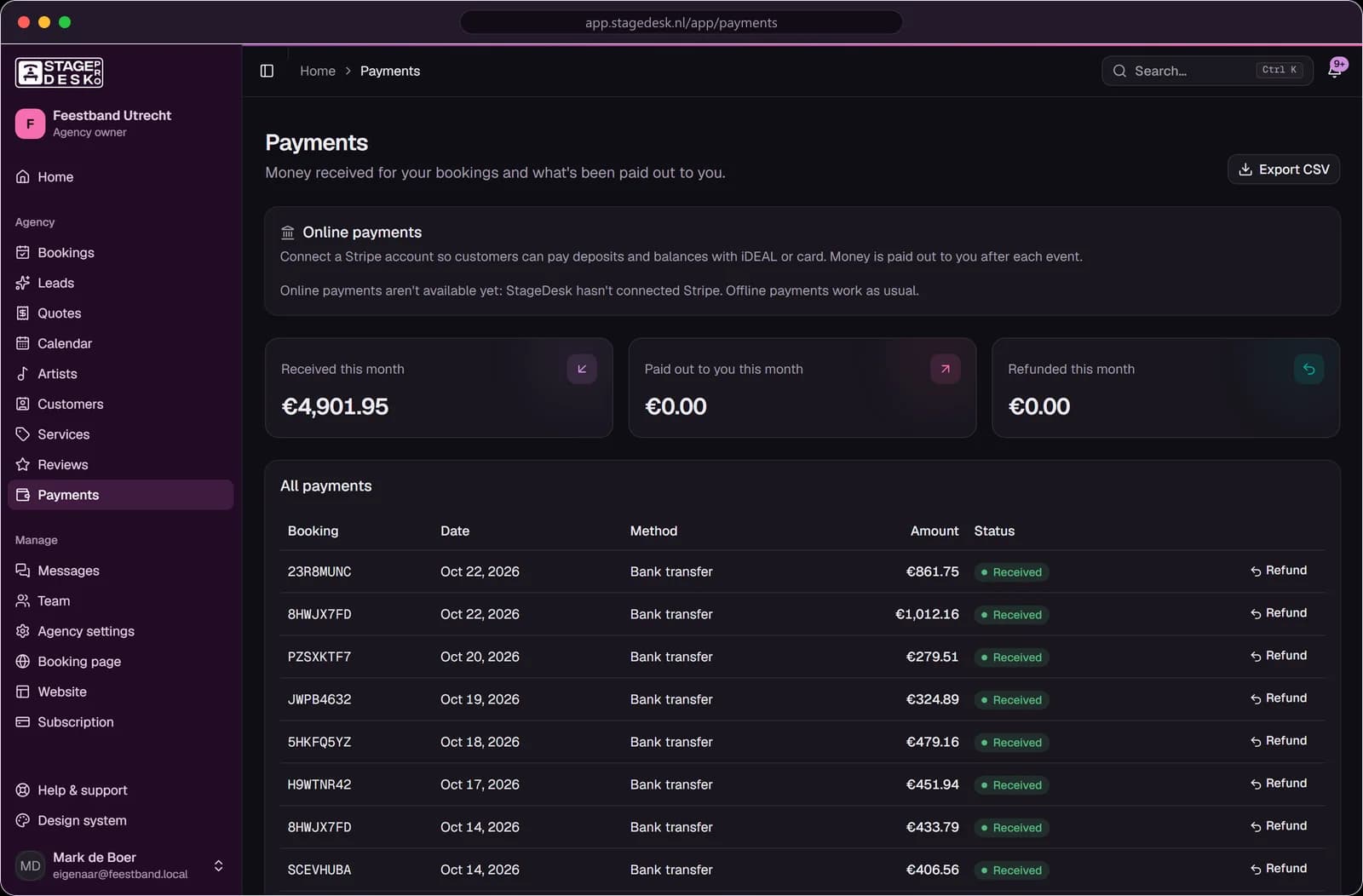
How it looks in the app

Payments page with received payments, payouts and a bank transfer to confirm

From payment to payout

  1. 1

    Customer pays

    Deposit after accepting, balance before the event.

  2. 2

    Money waits safely

    Until the event has taken place.

  3. 3

    Split

    Artist share, your agency and the platform fee.

  4. 4

    Paid out

    To each Stripe account, automatically.

Built for agencies and their artists

Clear money for everyone, without spreadsheets.

  • Deposit and balance reminders to the customer
  • Refunds that take back payouts proportionally
  • Artists without Stripe: their share shows as owed by you
  • Offline payments recorded alongside online ones
  • CSV export of all payments for your accountant
  • A full money trail for every booking

Frequently asked questions

What does online payment cost?+

Stripe's processing fee plus the platform fee of your plan. Payments you record offline are free.

When do artists get their money?+

After the event, once the dispute window in the settings has passed. Then the transfer is made automatically.

Do my artists need their own Stripe account?+

To be paid automatically, yes. Setting one up takes about five minutes from their earnings page.

What if a customer cancels?+

You refund all or part of a payment. If it was already paid out, the shares are taken back in proportion.

Related

Booking page & website formQuotes & invoicesArtist managementPricing

Get paid faster, pay artists without effort

Connect Stripe once and let StageDesk do the rest.

PricingAboutContact
Sign inGet started
Get startedSee pricing
Get started

Booking software for DJ and band agencies in the Netherlands.

  • hallo@stagedesk.pro
  • Utrecht, Nederland

Product

  • Features
  • Product tour
  • Booking page and form
  • Quotes and invoices
  • Payments and payouts
  • Artist management
  • Pricing
  • What's new

Who it's for

  • For agencies
  • For artists
  • Weddings and events
  • Band and live music agencies
  • Request a quote

Company

  • About
  • Blog
  • Help centre
  • Partner program
  • Contact

Legal

  • Terms of service
  • Privacy policy
  • Cookie policy
  • Data processing agreement

© 2026 StageDesk · Made in the Netherlands